

Description
Stream Media with Windows Media Player
Overview
Windows Media Player for Windows XP serves as a centralized hub for managing and enjoying multimedia content, including music, videos, photos, and recorded television. Designed to simplify media access, it enables users to play, organize, and sync digital files across devices. This software is particularly useful for individuals seeking a reliable tool to manage personal media libraries without relying on third-party applications. Its integration with the Windows XP operating system ensures seamless functionality for users who value familiarity and stability in their digital workflows.
Target users include home users, casual media consumers, and individuals managing personal collections of audio and video files. The software supports playback of various media formats and facilitates transfer of content to portable devices, making it ideal for those who want to enjoy their media on the go. It also allows sharing media across devices within a home network, promoting a connected multimedia experience. While the developer is Microsoft, no additional background on the company’s involvement in media software beyond this product was provided.
Real-world usage scenarios include organizing a music library, watching home videos, viewing recorded TV shows, and syncing content to portable players. The software’s design emphasizes ease of access and intuitive file management, making it a practical choice for users who prioritize straightforward media playback and basic organization.
Key Features & Capabilities
- Media Playback – Supports a wide range of audio and video formats, enabling users to play music, videos, and recorded TV content directly from the application.
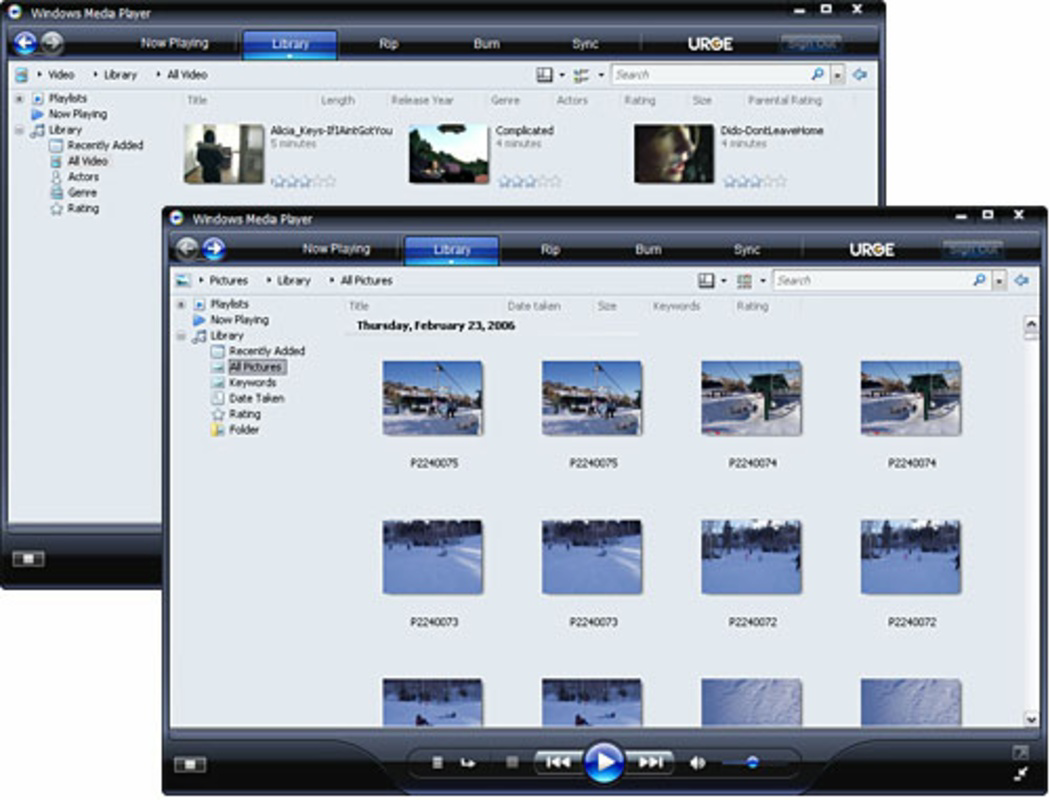
- Media Organization – Offers tools to categorize and manage music, videos, and photos into playlists and folders for easier access.
- Device Syncing – Allows synchronization of media files to portable devices, such as MP3 players or digital audio devices, for offline enjoyment.
- Home Network Sharing – Enables sharing of media files with other devices on the same local network, supporting a multi-device entertainment setup.
- Recording TV – Provides functionality to record live television broadcasts, allowing users to watch shows at their convenience.
These features are designed to streamline the user experience by consolidating media management tasks into a single interface. For example, a user can create a custom playlist of favorite songs, sync it to a portable device, and later share it with a family member’s computer over a home network. The ability to record TV shows enhances the software’s utility for viewers who want to avoid live scheduling constraints.
User Interface, Workflow & Performance
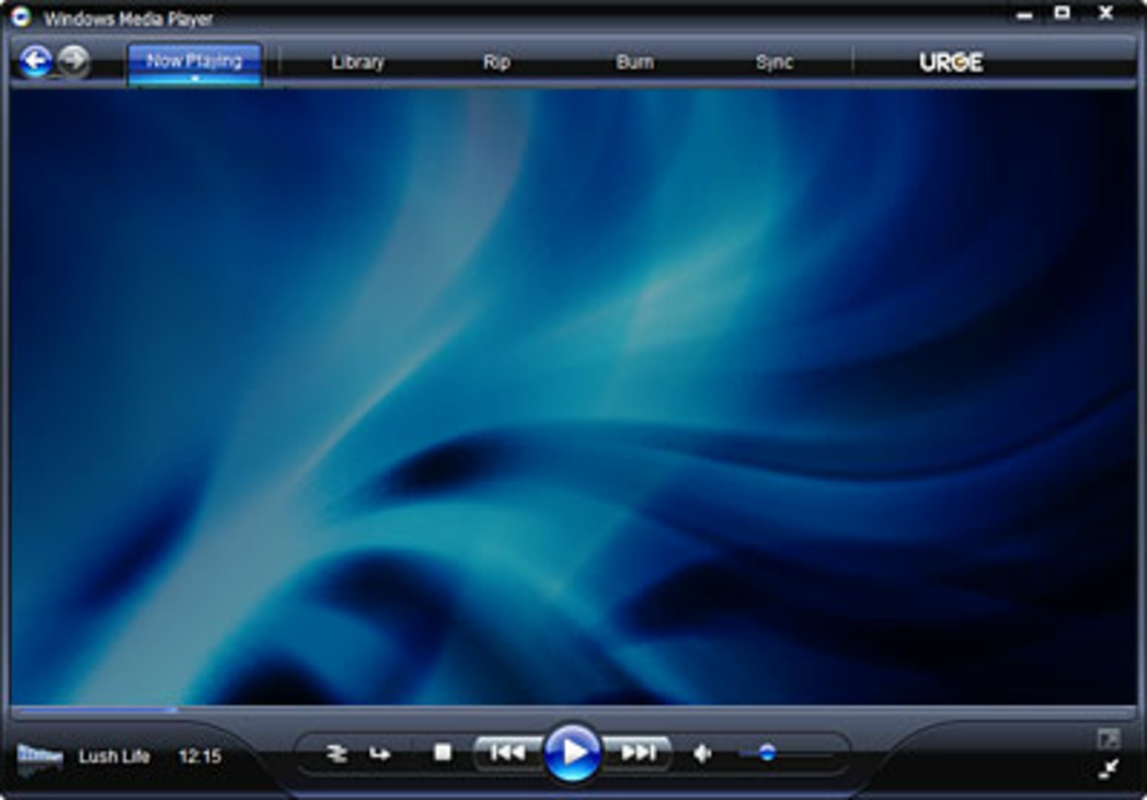
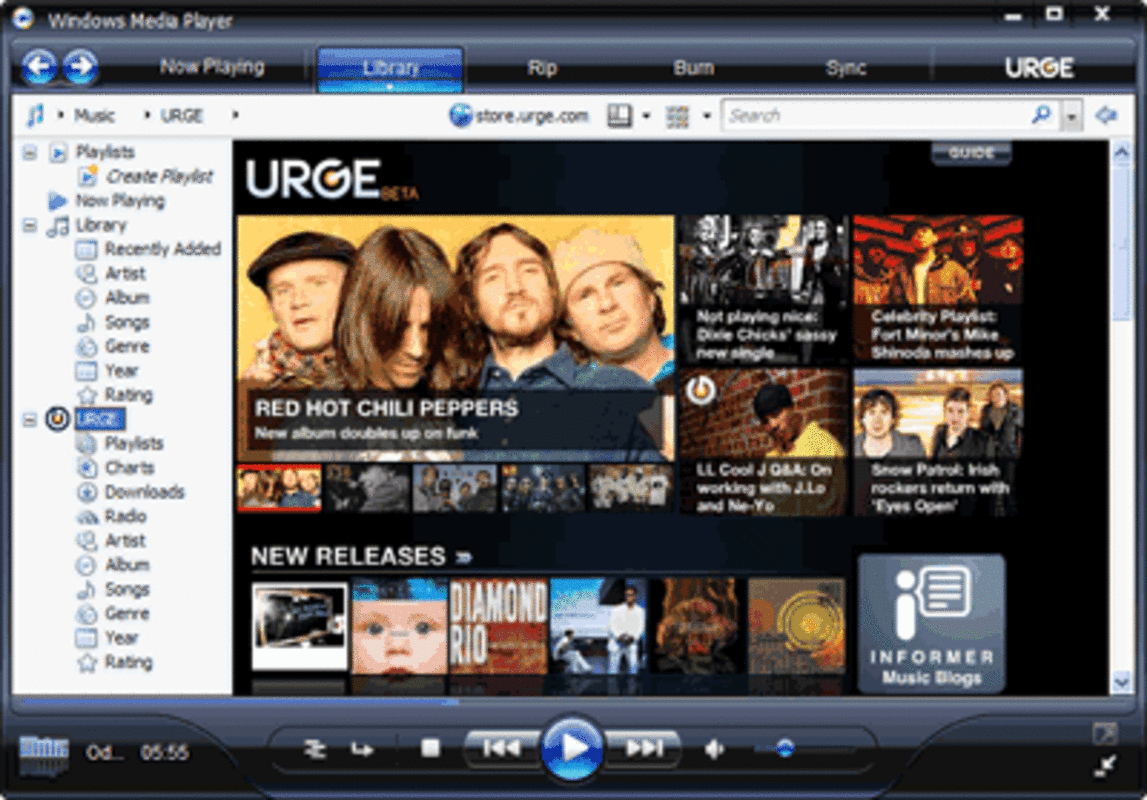
The user interface of Windows Media Player is structured around a clean, menu-driven layout with accessible tabs for playback, library, and sync functions. Navigation is straightforward, with clearly labeled buttons and a consistent design language that aligns with the Windows XP aesthetic. Users can quickly switch between media types and access their collections through a sidebar or main window.
Workflow efficiency is enhanced by the software’s integration with the operating system, allowing for drag-and-drop file transfers and automatic media detection. The interface supports customizable views, enabling users to tailor the display to their preferences. However, the developer did not specify resource usage details, so exact performance metrics such as CPU or RAM behavior remain unknown.
General performance observations are based on typical behavior for media players of this era. Stability is expected to be high given the software’s long-standing presence and integration with Windows XP. No reports of crashes or bugs were provided, but the absence of such data means no definitive claims can be made about reliability or responsiveness under heavy use.
Compatibility & System Requirements
Windows Media Player is designed to run on the Windows operating system, specifically version 1.0, released on August 24, 2001. It has a file size of 25.0 MB, which was considered moderate for its time. The software is compatible with Windows XP, though no further details on supported hardware or system specifications were provided.
Exact system requirements were not listed, so users should ensure their system meets baseline Windows XP standards for optimal performance. Compatibility information was partially provided, and no additional OS versions beyond Windows are mentioned. Users should verify that their hardware supports the required video and audio codecs for full playback functionality.
Pros and Cons
Pros
- Integrated with Windows XP for seamless operation
- Supports playback and management of multiple media types
- Offers device syncing and network sharing capabilities
- Free to use with no licensing restrictions
- Stable and familiar interface for long-time Windows users
Cons
- Limited to Windows operating system
- No modern codec support beyond its release era
- Outdated interface by current standards
- Unsupported on modern Windows versions
- Lack of detailed system requirements and performance data
FAQ Section
Is Windows Media Player compatible with modern Windows versions?
Windows Media Player version 1.0 was designed for Windows XP and is not officially supported on newer Windows operating systems. Users on modern platforms may experience compatibility issues.
Is the software safe to download and use?
As a product developed by Microsoft and released in 2001, it is considered safe when obtained from official sources. However, due to its age, it may lack security updates for modern threats.
Does Windows Media Player require an internet connection?
The software can function offline for playback and local file management. However, certain features like TV recording may require an internet connection for content access.
Can I update Windows Media Player to the latest version?
Version 1.0 is the original release and is no longer updated. Users are advised to use current media players for updated features and security.
What type of license does Windows Media Player have?
Windows Media Player is distributed as free software with no cost to users. It is included with Windows XP and does not require a separate license.
Final Thoughts
Windows Media Player for Windows XP remains a foundational tool for managing multimedia content in its historical context. While it lacks modern features and compatibility with current systems, it delivers reliable playback and basic media organization for users still operating on Windows XP. Its integration with the operating system, free availability, and support for syncing and sharing make it a practical choice for legacy environments.
However, users on newer platforms should consider alternative software that supports modern codecs, improved security, and enhanced user experiences. For those maintaining older systems or seeking a lightweight, no-cost media solution, this version offers a functional and familiar option.
Download Windows Media Player now
Guides & Tutorials for Windows Media Player
How to install Windows Media Player
- Click the Preview / Download button above.
- Once redirected, accept the terms and click Install.
- Wait for the Windows Media Player download to finish on your device.
How to use Windows Media Player
This software is primarily used for its core features described above. Open the app after installation to explore its capabilities.
User Reviews for Windows Media Player 0
No reviews found


